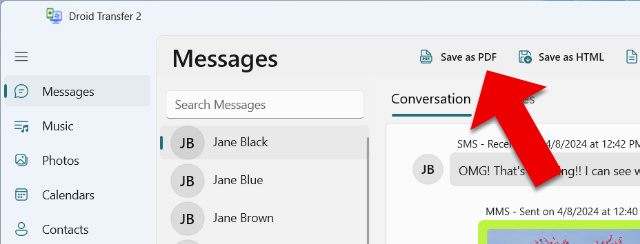
Droid Transfer can backup and print messages from the default messaging app on your Android device. This could be Samsung Messages, Google Messages, or any other SMS app you've set as your default.
The software supports SMS and MMS messages, as well as standard RCS (Rich Communication Services) messages. Please note that some proprietary messaging formats, such as Advanced Messaging, may not be fully supported, as they include operator-specific extensions that cannot always be read by the app. It's recommended to download the free trial of Droid Transfer to check whether your messages are displayed correctly in the software. Any messages that can be loaded into the free Droid Transfer version will be available for export in the full version.
If Droid Transfer does not display all your messages, our support article will help you view all messages in Droid Transfer.
If you need to change your default messaging app on your Android phone, so that your messages can be displayed in Droid Transfer, follow the steps below:
- Open the Settings app on your Android device.
- Navigate to Apps or Apps & notifications.
- Tap Default apps (or go to Advanced > Default apps).
- Select SMS app and choose your preferred messaging app from the list.