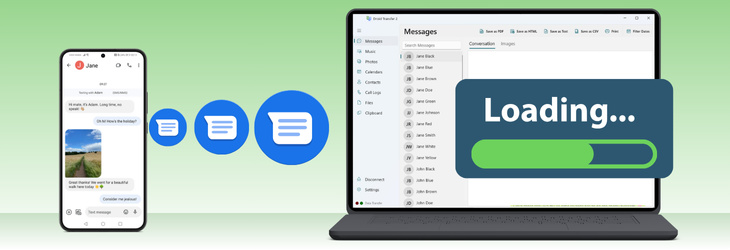
If Droid Transfer is not loading your messages, this may be caused by issues such as dropped connections, insufficient permissions, or too much data being loaded at once. You can try the following troubleshooting steps:
Check the app has sufficient permissions to load your messages.
Restart the Droid Transfer and Transfer Companion app connection.
Keep your Android device active and unlocked while connected.
Use the date filter in Droid Transfer to reduce the amount of data being loaded.
Disable "Automatically preview the first listed conversation" and "Load media automatically in preview" in Droid Transfer settings.
If certain conversations still won’t open, you can select and export them directly without loading. You can also search for specific messages using the built-in search tool.
For a complete step-by-step guide, please see our full support article here:
https://www.wideanglesoftware.com/support/droidtransfer/droid-transfer-failed-to-load-messages.php